
PRINT READY GUIDE
Preparing your artwork for print doesn’t have to be complicated — a few simple checks can make all the difference. Following the guidelines below will help avoid production delays and ensure your banners, flags, signage, and printed materials come out looking sharp, clean, and professional.
Resolution
Please supply artwork at 300dpi or higher at final print size for the best print quality and crisp results.
Accepted File Types
Vector files such as AI, EPS, PDF, and SVG are preferred for logos and graphics. For photographic images, please use high-resolution PNG or JPEG files.
FONTS & Text
To avoid font compatibility issues, convert all text to outlines or curves before sending your files.
Bleed setup
Include at least 3mm bleed on all sides of your artwork. Please do not include crop marks or printer’s marks.
Linked Images
If your artwork contains linked images, ensure they are properly embedded or use the Package/Collect feature before exporting your files.
Paper & Stock Selection
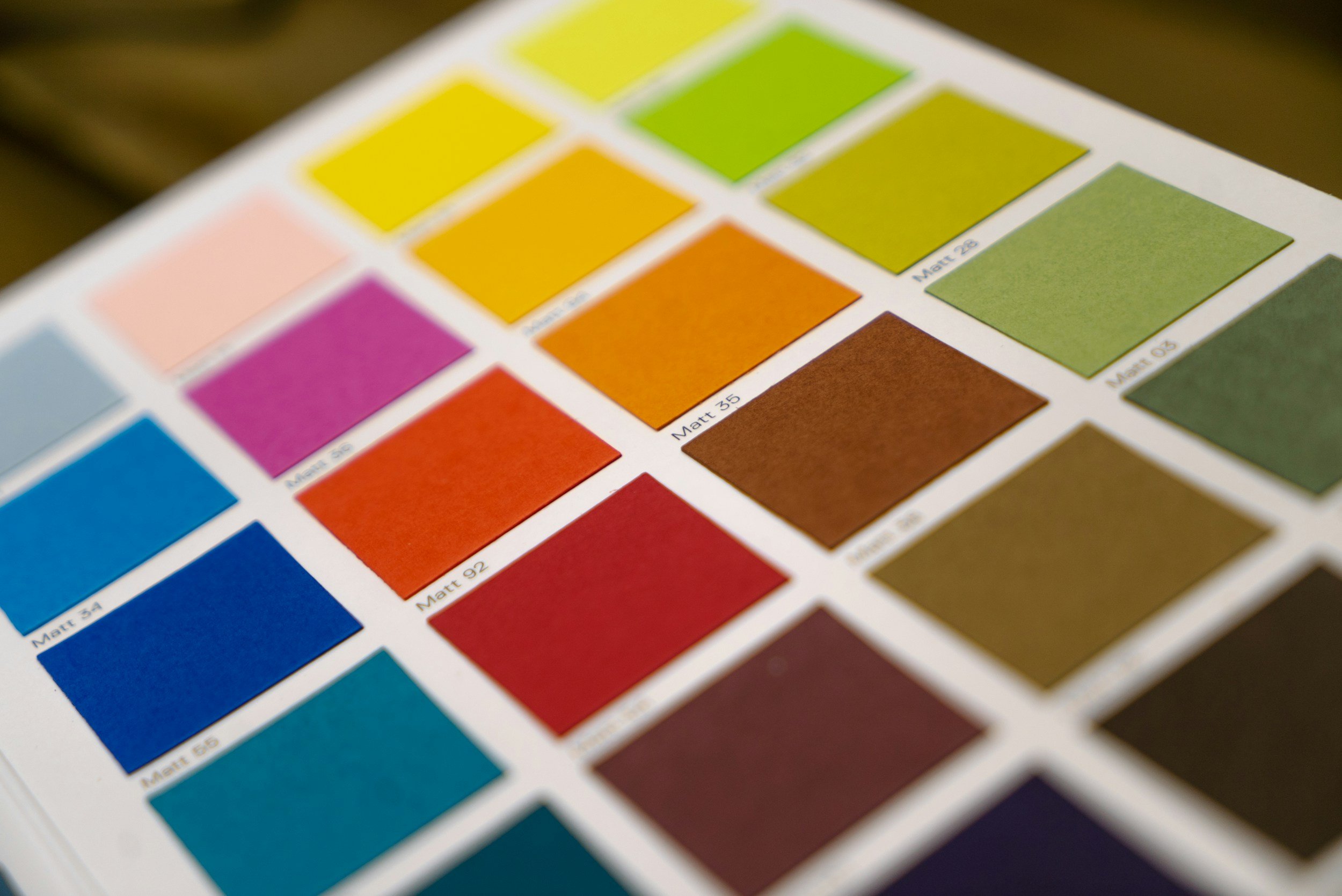
Choose the most suitable stock and finish for your project, including options such as matte, gloss, silk, or recycled materials where applicable.
Colour Mode
Artwork should be supplied in CMYK colour mode for accurate print reproduction. If colour matching is important, please include Pantone references.
Safe Zones
Keep all important text, logos, and key elements at least 5mm inside the trim edge to prevent accidental cutting during finishing.
PRINT Samples
For large production runs, we recommend requesting a test print before full production. Please contact us at info@urbanprint.co.nz to discuss sample options.
FAQs
-
Urban Print serves clients nationwide across New Zealand. Our main production facility is located at 59 Mahana Road, Te Rapa, Hamilton 3200, and we also have a general office in Parnell, Auckland (by appointment only). Whether you’re in Waikato, Auckland, Wellington, Christchurch, or anywhere in between, we can assist with all your printing and signage needs.
-
Turnaround times depend on the type and scale of your project. For standard book printing, we can produce up to 3,000 books (48 pages each) within 3–4 days. Our wide-format printing and large lamination services handle sizes up to 50m × 3m, while cutting can accommodate materials up to 3m × 1.5m. Flatbed printing covers 3 square metres every 10 minutes, and for garments, we offer heat press, screen printing, and embroidery, completing around 100 t-shirts in 2 days. We also handle bags, UV printing, and packaging—both prototype and small quantities, with fast turnaround times, depending on the order size. Materials we work with include paper, ACM, PVC, Corflute, plywood, and more.
-
Yes, we do offer custom printing. Whether you have a specific design in mind or need something completely unique, we can print on a wide range of materials, in any size or shape you require. From signage and packaging to garments and promotional items, we’ll bring your ideas to life with high-quality, precise results.
-
From start to finish, we’ve got you covered. If your signage needs installation, our team can handle it professionally, ensuring it’s fitted safely and exactly as planned.
-
We do both! If you already have a template, we’re happy to work with it. If you need a custom design, our team can create one for you. Just provide a brief of what you’re looking for, and we’ll take care of the rest.
-
Yes! We can print in custom shapes to suit your project. Simply provide us with a brief and, if possible, a file of your design, and we’ll make it happen.